Open RetailPrime
The first screen you see, and the button that starts everything.
Go to the Admin
Open your web browser (Chrome, Safari, Edge or Firefox) and go to:
https://admin.stg.retailprime.appYou see the Sign in to RetailPrime screen.
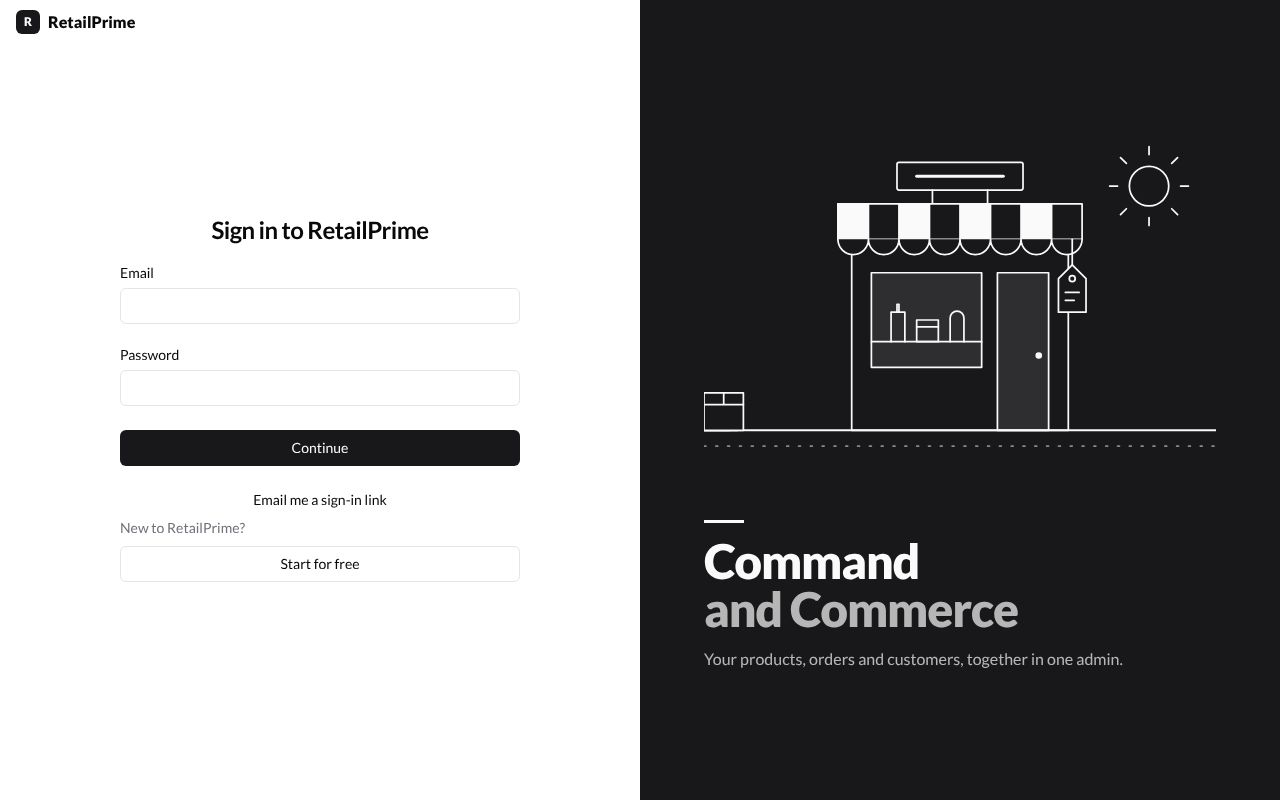
On this screen:
- Email and Password are for people who already have an account.
- Continue signs you in.
- Email me a sign-in link emails you a link instead of using your password (type your Email first).
- Start for free creates a new account. This is the one you press the first time.
What’s next
Press Start for free, then go to Create your account.