Create your store
Name your store, give its address, and start your free trial.
Add your store details
You see Add your store details. You can change all of this later in Settings.
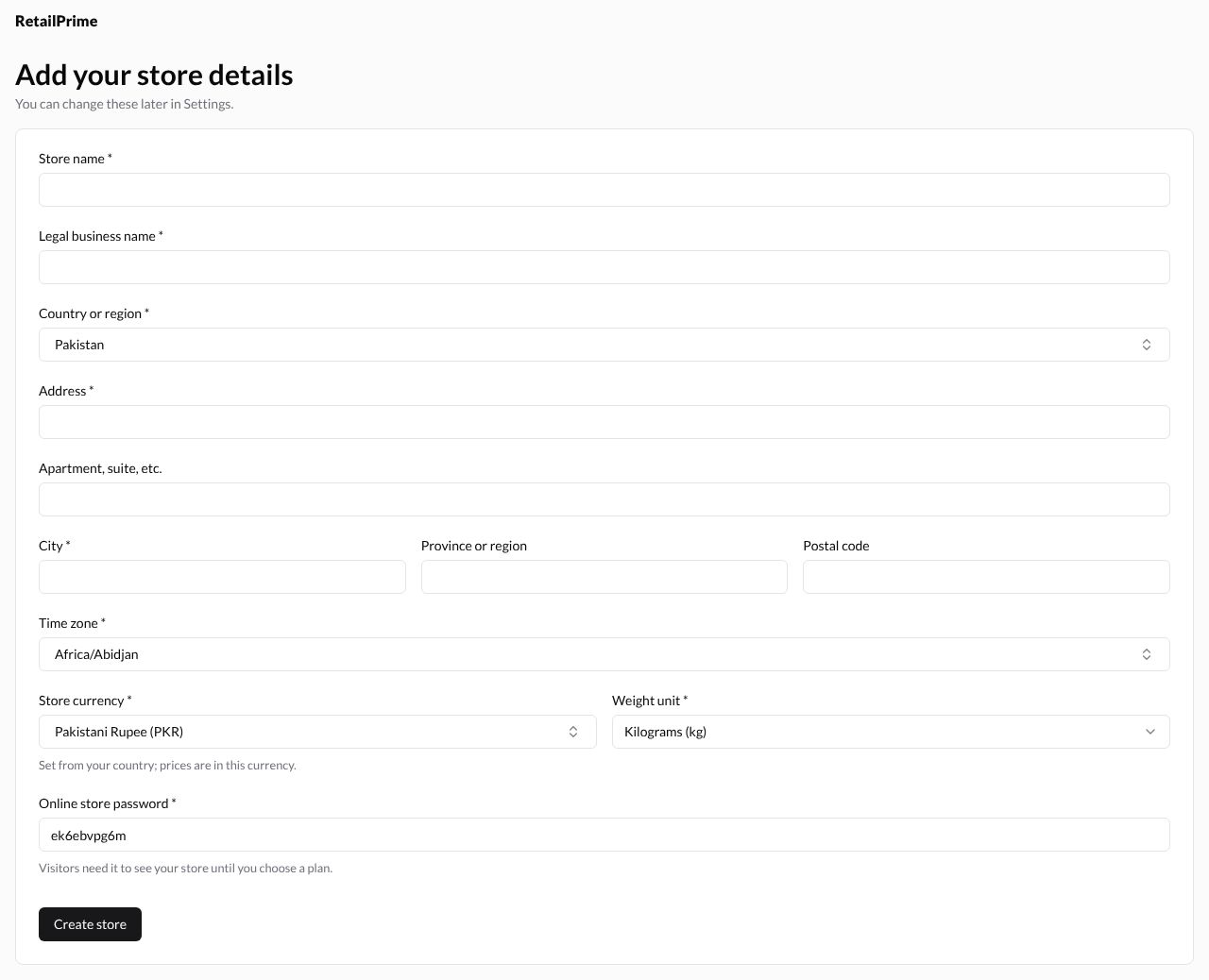
Fill in the boxes with a star (*):
| Box | What to type | Example |
|---|---|---|
| Store name | The name buyers see | Sunny Socks |
| Legal business name | Your company’s registered name | Sunny Socks (Private) Limited |
| Country or region | Where the business is (already filled if you answered the questions) | Pakistan |
| Address | Street and number | 12 Mall Road |
| City | Your city | Lahore |
| Time zone | Your time zone | Asia/Karachi |
| Store currency | Filled from your country. All prices are in this currency | Pakistani Rupee (PKR) |
| Weight unit | How you weigh parcels | Kilograms (kg) |
| Online store password | Already filled in for you | (a short password) |
Apartment, suite, etc., Province or region and Postal code are optional.
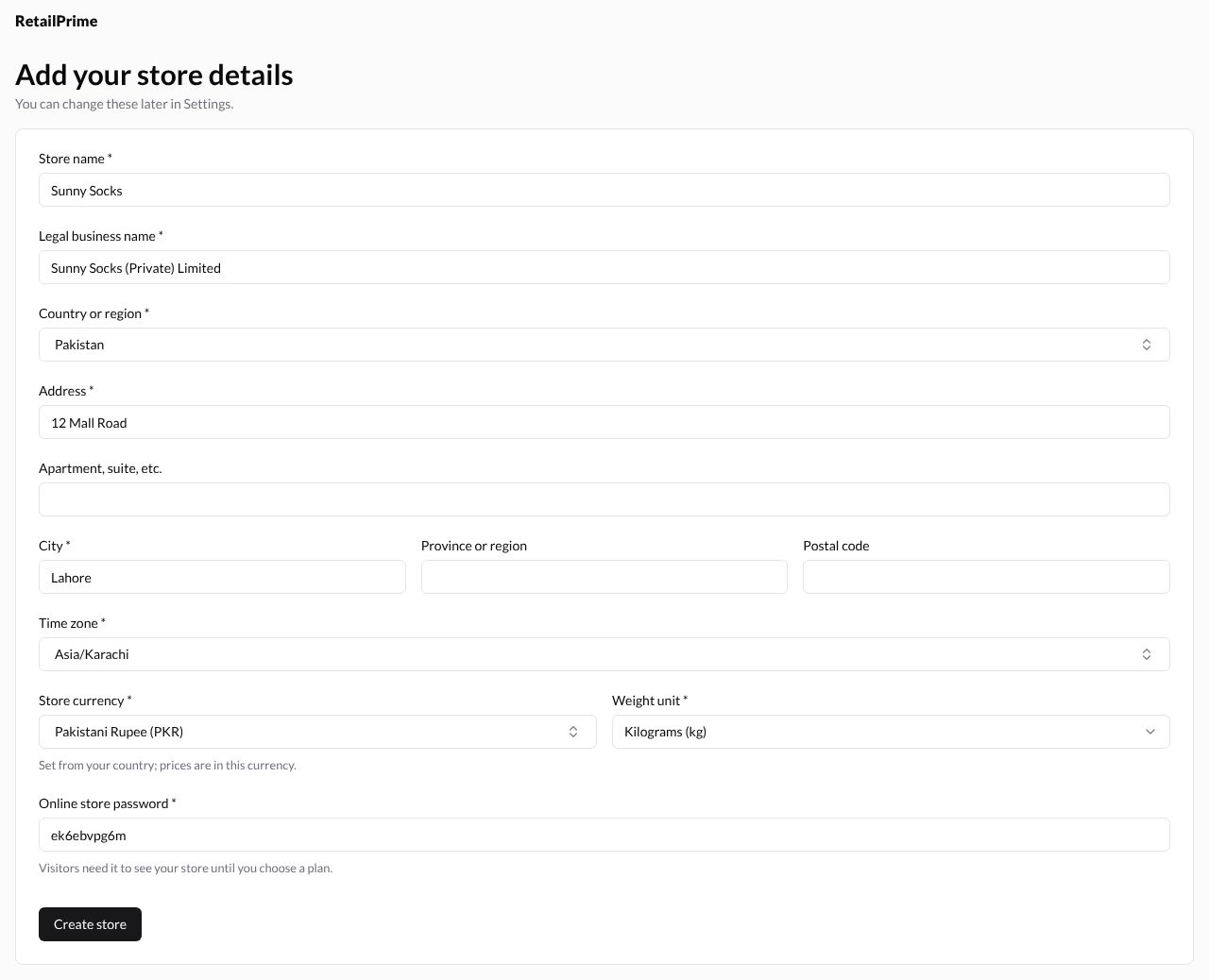
Press Create store.
Choose a plan, or skip
Your free trial starts now, and you see Choose a plan.
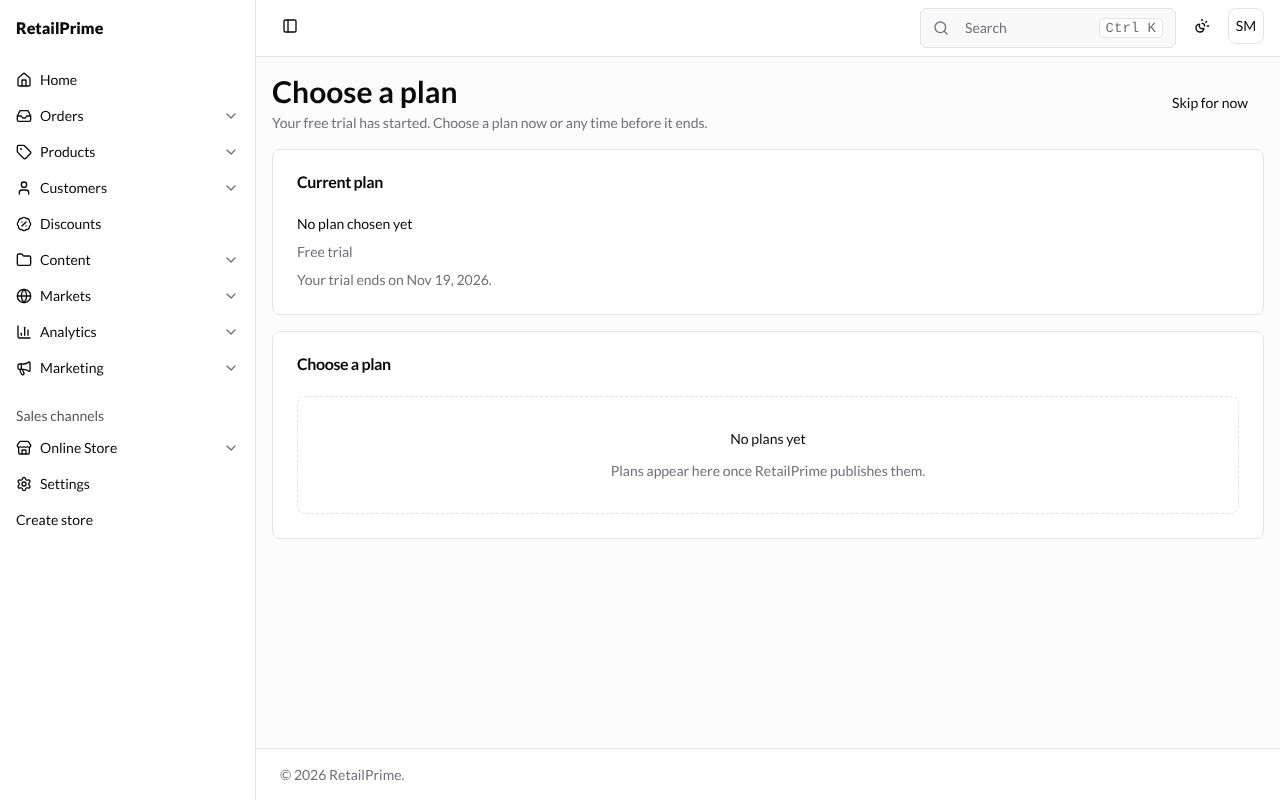
- Current plan shows Free trial and the day it ends.
- Plans are listed under Choose a plan. If none are listed yet, it says No plans yet.
- Press Skip for now to start using your store. You can choose a plan later from the Home page or Settings → Plan.
What’s next
You land on your store’s Home page.